
LMS Integration services
Seamless Integrations That Power Connected Learning Ecosystems
Modern learning platforms don’t exist in isolation. They need to connect effortlessly with your organization’s tools, people, and data.
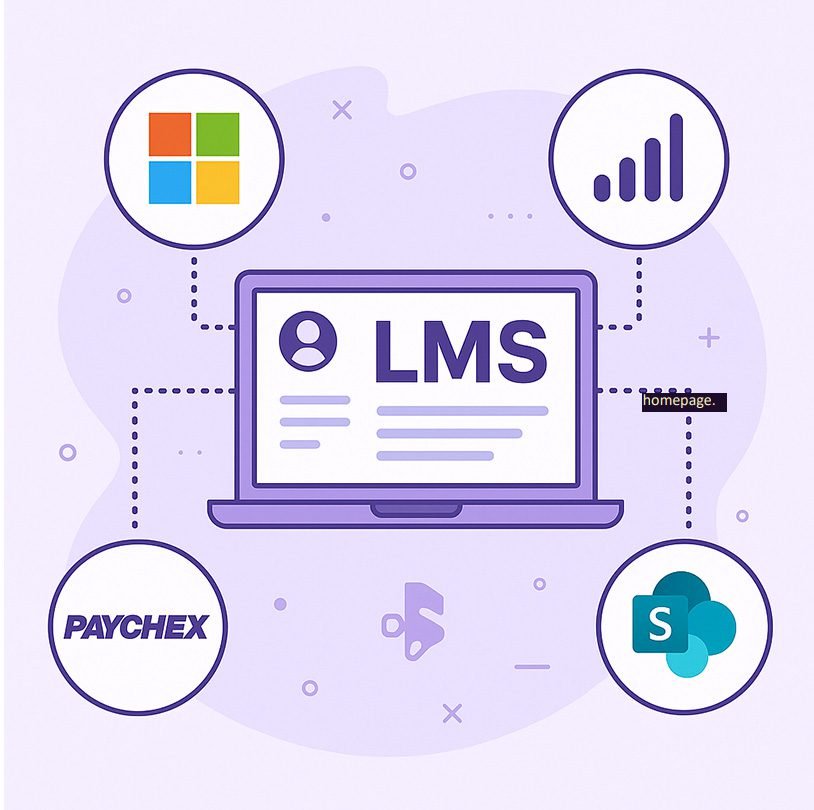
Our LMS integration services help you unify your learning environment with business-critical systems like Microsoft 365, HR platforms, WordPress, and Google Workspace — all with secure, scalable, and automated workflows.
Microsoft 365 & Azure AD Integrations
We specialize in deep, enterprise-grade integrations using the Microsoft Graph API to connect your LMS with Microsoft 365’s ecosystem.
Capabilities:
Single Sign-On (SSO) — Secure one-click login using Azure AD.
Teams Integration — Auto-create course-based Teams channels, sync meetings, attendance, and chat context.
Calendar Sync — Keep assignments, sessions, and events aligned with Outlook calendars.
User Directory & Roles Sync — Automatic import of users, roles, and groups from Azure Active Directory.
SharePoint & OneDrive Integration — Direct file sharing and collaborative access inside courses.
Power BI Reporting — Centralized reporting dashboards combining LMS and HR data for unified analytics.
HR Management System (HRMS) Integrations
Keep your learning platform aligned with your workforce lifecycle.
Our HRM integrations ensure your LMS user data stays automatically in sync with your HR systems.
Capabilities:
Automatic Onboarding: New employees are enrolled in relevant LMS courses instantly.
Auto De-boarding: Access is revoked automatically when employees leave the organization.
User Sync: Real-time sync of user details, roles, departments, and hierarchy.
Benefits:
Zero manual data entry — eliminate HR and LMS mismatches.
Always up-to-date user records and compliance tracking.
Saves admin time while ensuring learning readiness from day one.
Google Workspace Integrations
Keep your learning ecosystem connected with Google tools.
Capabilities:
Google Drive Integration: Direct access to Drive documents and folders from LMS courses.
Google Calendar Integration: Sync course schedules, deadlines, and events seamlessly.
Google SSO (OAuth 2.0): Simplify login with Google accounts for students and staff.
Benefits:
Unified collaboration with Google Workspace tools.
Auto-updated calendars and document sharing.
Reduced IT overhead through secure cloud-based connectivity.
Need help with LMS Integrations?
Free project quote
Please fill out the enquiry form below and we’ll establish communication with you as soon as possible

Lee Zinser
Founder at Needgr8r
"Team is great to work with.. They get what you need and action it with great results. Him has worked with us for a few years on various web related projects.. They are problem solvers and give valuable suggestions regarding the project. They are very fair and work fast. We are using them on continued projects. Thanks!"
Source: Upwork.com
Add Your Heading Text Here
WordPress & WooCommerce Integrations
Turn your LMS into a monetized learning platform.
Capabilities:
WooCommerce Integration: Sell courses as products directly through your WordPress site.
Automatic Enrollment: Users get immediate LMS access upon successful purchase.
Custom Course Bundles & Coupons: Flexible sales workflows linked to course categories and bundles.
Benefits:
Unified e-commerce and learning experience.
100% automated post-purchase enrollment.
Integrates with your marketing stack and membership plugins.
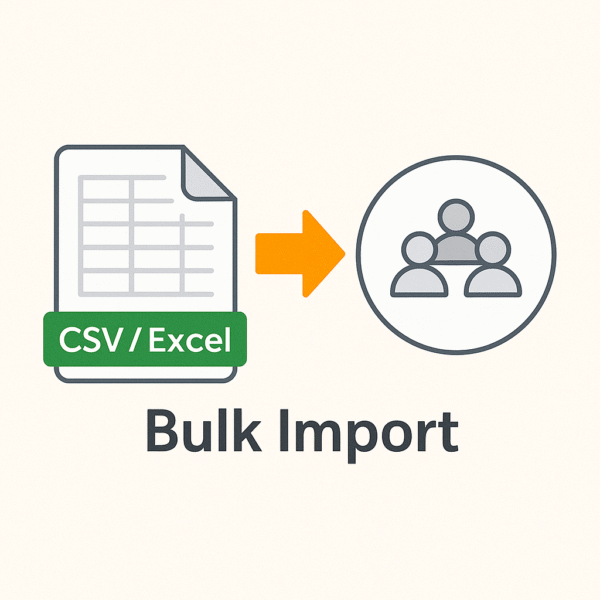
CSV / Excel Importers
Simplify bulk data operations with robust importers built for real-world admin workflows.
Capabilities:
Bulk upload users, enrollments, and completions from Excel or CSV files.
Preview and validation before committing changes.
Optional dry-run and rollback modes for safe imports.
Benefits:
Rapid data migration and updates.
Zero coding required for data synchronization.
Ideal for organizations without API-based access.
LMS Integration Techniques We Use
We tailor integration approaches based on your LMS architecture, data flow needs, and system ecosystem. The key methods include:
We connect your LMS to external systems (like HRMS, CRM, or Microsoft 365) using REST or Graph APIs. What it means: We consume existing APIs or build new endpoints when native ones are missing. When used: For real-time data exchange such as user sync, course enrolment, or status updates. Example: Fetching users from Microsoft Graph API and syncing them into Moodle’s user table.
Custom LMS plugins or connectors allow deep, platform-native integration without modifying core code. What it means: We extend LMS functionality safely via plugins or custom modules. When used: When business logic or UI elements need to be embedded within the LMS. Example: A Moodle block plugin that pulls HR data or a local plugin that automates enrolment from WooCommerce.
We use event-driven architectures for real-time updates between systems. What it means: When an event happens (e.g., “user enrolled” or “course completed”), it triggers an automatic action in another system. When used: For automation like sending completion data to HRMS or logging attendance in Teams. Example: Moodle event → webhook → HR API → update employee learning record.
We implement centralized authentication across systems to streamline access and enhance security. What it means: Users log in once using their organization’s identity provider (Azure AD, Google, Okta, etc.). When used: For large organizations needing unified access control and compliance. Example: Azure AD-based SSO enabling seamless transition between LMS, Teams, and Power BI.
When to use: For integrating third-party learning tools or content providers. How it works: Implements the IMS LTI standard for seamless launch, grade return, and user provisioning. Example: External assessment platform integrated into LMS gradebook. Pros: Standards-based, widely supported by Moodle and other LMSs. Cons: Limited customization outside LTI spec.
When to use: When API access is limited or batch data sync is more efficient than real-time updates. How it works: Extract-Transform-Load (ETL) pipelines or scheduled middleware jobs push/pull data directly between LMS and external databases. Example: Syncing user or completion data nightly from an HRMS to the LMS user tables via a staging schema. Pros: Fast for bulk data, resilient to API limits. Cons: Needs careful data validation and version control.
Your Custom LMS, Delivered in 30 days.
We craft bespoke Learning Management Systems designed to perfectly align with your goals, scale infinitely, and empower your growth. Featured Case Study
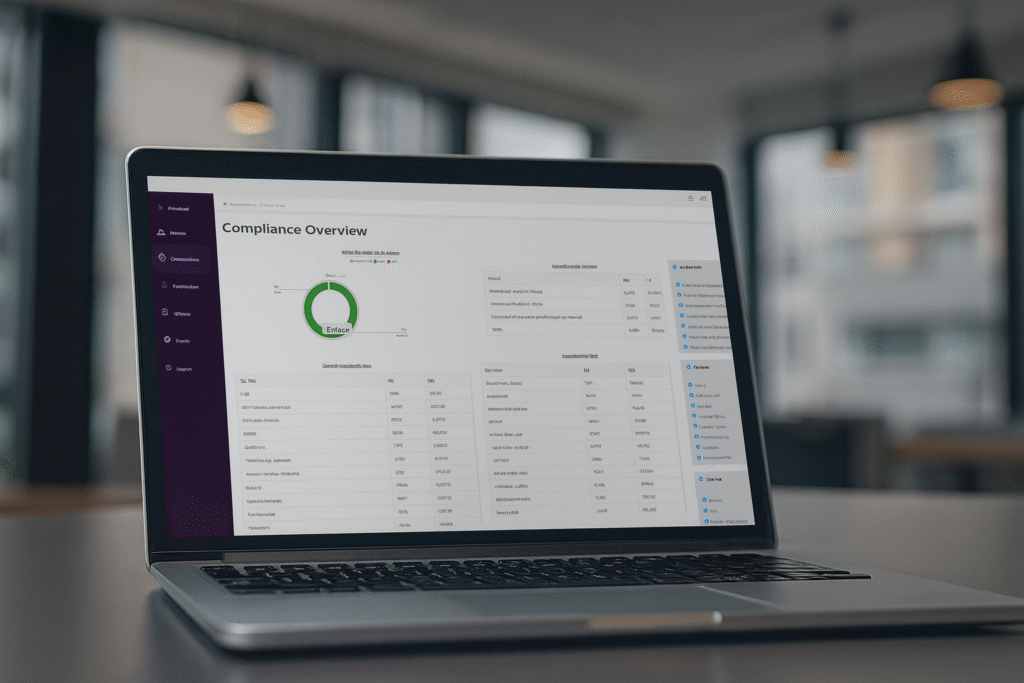
How We Helped a Leading US Clinical Research Company Improve Compliance Training with a Custom LMS
Dedicated LMS Services
Train Corporate Employees using Learning Management System
How Do You Choose The Right Learning…
Testimonials
"Lee Zinser"
Source: Upwork.com
"Kirsti Hegg"
"So far, JustAddWater has created high-functioning software to help overcome business challenges and better support sales. The team is consistently responsive and available, always making time to talk or fix any issues. Collaborative and open, they are quick to respond to questions and feedback."
"Rupert Pluck"
Source: Clutch.co
"Mohamed Hegazy"